







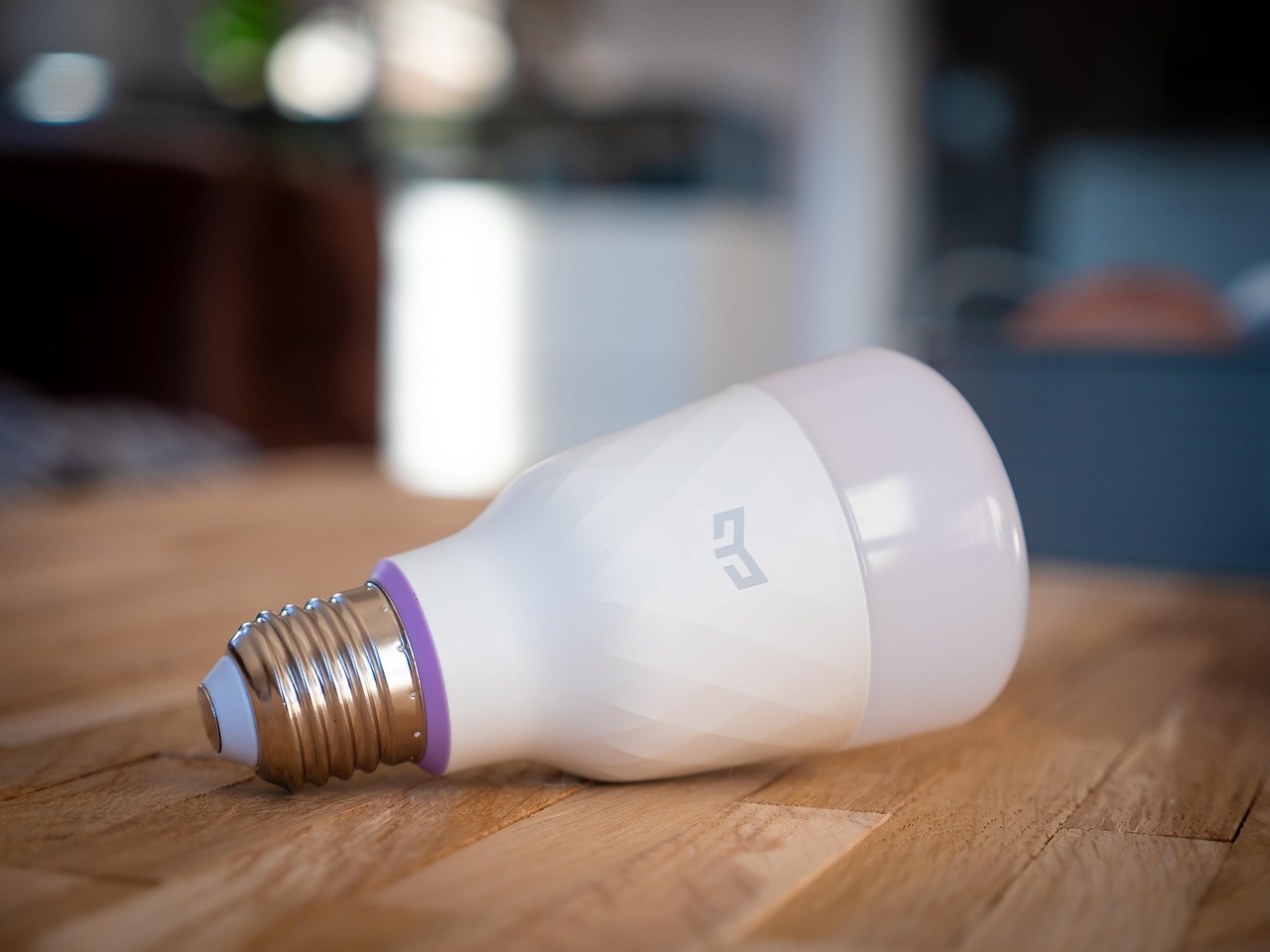

What Is a Smart Home and How Does Smart Technology Work? At its core, a smart home uses internet-connected devices—thermostats, locks, lights, cameras and speakers—to automate, monitor and remotely control everyday functions. Smart technology ties those devices together with wireless networks, hubs and apps so you can check a front door from a hotel in Rome, pause your smart oven from a taxi outside JFK, or schedule the lights to turn on before you arrive at a seaside villa.
Smart homes rely on a mix of local hardware and cloud services. Devices communicate over Wi‑Fi, Bluetooth, Zigbee or Z‑Wave, often coordinated by a hub or voice assistant. That blend of protocols, automation rules and remote access is what makes smart technology feel seamless rather than a collection of separate gadgets.
Quick Answer
A smart home is a residence equipped with internet-enabled devices that automate tasks, improve security and allow remote control. Smart technology works by connecting devices via local networks and cloud services, using standards such as Wi‑Fi, Zigbee or Bluetooth, and often a central hub or app to coordinate actions and rules.
Key Takeaways
- Smart homes combine sensors, actuators and connectivity to automate lighting, security, climate and entertainment.
- Common communication standards include Wi‑Fi, Bluetooth, Zigbee and Z‑Wave; a hub or voice assistant often manages them.
- For travelers, smart tech provides remote monitoring, energy savings and better property management for rentals.
- Security, network reliability and vendor compatibility are the main concerns; plan backups and guest access carefully.
- Decide which systems matter most—security, comfort, or convenience—before investing in devices or subscription services.
What Is a Smart Home and How Does Smart Technology Work — the Basics
A smart home is not just one device but an ecosystem. Sensors detect conditions (motion, temperature, door open/closed), controllers execute actions (locks, switches, thermostats), and software coordinates decisions (schedules, geofencing, voice commands). When working together, these parts let you automate routines like turning down heat when everyone leaves or arming an alarm at night.
Devices communicate in two main ways: locally on your home network and remotely through cloud services. Local control keeps things fast and private; cloud connectivity enables voice assistants, remote alerts, and over‑the‑air updates. Many systems use both.
Core Components of a Smart Home
Devices and Sensors
Lights, thermostats, cameras, smart locks, plugs, smoke detectors and motion sensors form the visible layer. Each device reports its status and accepts commands. For travelers, key devices are smart locks (allow short‑term codes for guests) and cameras (remote monitoring of entrances).
Hubs and Bridges
Hubs or bridges translate between protocols—Zigbee or Z‑Wave to Wi‑Fi, for example—and can run local automation. Popular voice assistants (Amazon Alexa, Google Assistant, Apple HomeKit) act like virtual hubs, linking multiple brands into one control point.
Networks and Protocols
Wi‑Fi carries many devices, but low‑power mesh protocols like Zigbee and Z‑Wave are common for battery‑powered sensors. Bluetooth Low Energy is used for proximity features. A strong home router and guest network are crucial for performance and security.
How Smart Technology Works: Examples and Use Cases
Remote Monitoring and Security
Imagine boarding a flight from London Heathrow and getting a motion alert from your hallway camera. You open the app, view a live feed, and decide to call a neighbor or trigger lights to scare off an intruder. Smart locks let you give a temporary code to a babysitter or an Airbnb guest without sharing your keys.
Comfort and Energy Management
Smart thermostats learn schedules and adjust heating or cooling to save energy. If you’re traveling to Rome and forgot to lower the heat in your apartment, an app can set eco mode so you don’t waste energy while away. Geofencing can also set systems to “away” automatically when your phone leaves your city.
Automation and Scenes
Scenes combine multiple actions—dim lights, play a playlist, lower shades—into one command. Automations trigger based on time, sensor events, or location. For rental owners, an “arrival” scene can welcome guests with lights and a temperature set to comfort level at check‑in time.
Setting Up a Smart Home That Works While You Travel
Plan Your Network First
Start with a reliable router and a separate guest network for visitors or short‑term rentals. Mesh Wi‑Fi systems help in larger homes or older buildings in cities like New York, Sydney, or Paris where signal interference can be an issue.
Choose Compatibility Over Brand Loyalty
Pick devices that work with common platforms: Google Home, Amazon Alexa, or Apple HomeKit. A mix of Zigbee/Z‑Wave devices plus a bridge gives more flexibility than locking into a single manufacturer’s ecosystem.
Secure Access and Backup Plans
Enable two‑factor authentication on smart accounts. Set up a trusted contact who can access the home locally if your connection fails. For hosts on Airbnb or Booking.com, register a property manager with secure, revocable codes rather than sharing permanent passwords.
Best Tips for Planning Your Trip
- Test remote controls before you depart: verify remote video, lock codes and automations function from a mobile network, not just on Wi‑Fi.
- Schedule essential automations (thermostat, lights) rather than relying on one‑time commands that might fail when connectivity is weak.
- Inform your house sitter or property manager of manual overrides and where physical keys are kept in case electronics fail.
- For stays in hotels or rentals, ask hosts if the property has smart devices and how guest access is managed—this is especially relevant for short stays in cities like Tokyo, Barcelona, or San Francisco.
- Use travel insurance to cover lost keys or lockouts if smart lock systems fail; check policy terms before buying.
Mistakes to Avoid
- Don’t rely on a single device for security—combine cameras, sensors and locks for redundancy.
- Avoid exposing admin accounts; create guest or limited‑access profiles for property managers and renters.
- Don’t skip firmware updates: outdated devices can be vulnerable to hacks and interoperability issues.
- Don’t assume voice assistants won’t misinterpret commands—test automations and include physical overrides for critical systems.
Is It Worth It? Who Is a Smart Home Best For?
Yes, for certain users. Smart homes deliver the most value to frequent travelers, short‑term rental hosts, people who care about energy savings, and those who want remote peace of mind. If you travel often—commuting between cities like London and New York, or exploring regions like Southeast Asia—you’ll appreciate remote controls, security alerts and automation that protect a property while you’re away.
If you rarely travel or prefer low‑tech simplicity, a few smart plugs and a video doorbell might be enough. The full smart ecosystem requires an upfront investment and some learning, but it pays back in convenience, better energy management and improved property oversight.
Practical Comparisons and Examples
Smart Locks vs. Traditional Locks
Smart locks let you generate temporary codes, track entry times and lock remotely; traditional locks are simple, reliable and don’t require power. For hosts, smart locks simplify turnover but always have a mechanical key backup in case of power or network failure.
Cloud Cameras vs. Local‑Only Cameras
Cloud cameras stream footage to a service for remote access and alerts; local‑only systems store on‑site and keep footage private. Choose cloud services when you need real‑time alerts while traveling, but review privacy and subscription costs first.
Conclusion
What Is a Smart Home and How Does Smart Technology Work? A smart home is an interconnected system of devices that automates and remotely controls home functions. Smart technology works through a mix of local networking, wireless protocols, hubs and cloud services to coordinate sensors and actuators. For travelers and property hosts, the right setup offers real benefits—remote security, energy savings and seamless guest management—provided you plan networks, backups and access carefully.
Frequently Asked Questions
Can I control my smart home while I’m abroad?
Yes. Most smart devices offer remote control through cloud apps, letting you lock doors, adjust thermostats and view cameras from anywhere with an internet connection. Ensure your devices are set up with secure accounts, and test them over mobile data before you leave.
Do smart homes work when the internet is down?
Some automations and local controls continue to work on a local network, but cloud‑dependent features and remote access typically stop without internet. Use local backups like physical keys and local hub automations for critical systems.
Are smart home devices compatible across brands?
Compatibility varies. Many devices work together through common platforms like Google Home, Amazon Alexa, or Apple HomeKit, and hubs can bridge different protocols. Verify compatibility before buying, especially for Zigbee or Z‑Wave devices.
Is a smart home safe from hackers?
Smart homes can be secure if you follow best practices: strong, unique passwords, two‑factor authentication, regular firmware updates, and a segmented guest network. Treat devices like any internet‑connected appliance—vigilance reduces risk.
How do smart homes help with energy savings?
Smart thermostats, smart plugs and automated lighting reduce waste by adjusting systems based on occupancy, schedules and learned preferences. Savings depend on your usage patterns and local energy costs, but automation typically reduces unnecessary heating, cooling and lighting.
Can I use smart technology in a rental property?
Yes. Smart locks, thermostats and cameras (placed only in public areas) make managing rentals easier by allowing remote check‑ins, keyless access and monitoring. Always disclose surveillance devices to guests and follow local rental regulations.
What should I do if my smart device stops responding while I’m traveling?
Check the device app and router status first; try restarting your router or device remotely if possible. If that fails, contact a local neighbor, property manager, or a service technician and have manual overrides or keys available.
How much technical skill do I need to set up a smart home?
Basic setups require minimal technical skill—plugging devices into the app and following on‑screen steps. More complex integrations (home automation rules, bridging different protocols, or securing networks) may require moderate tech comfort or professional installation.