






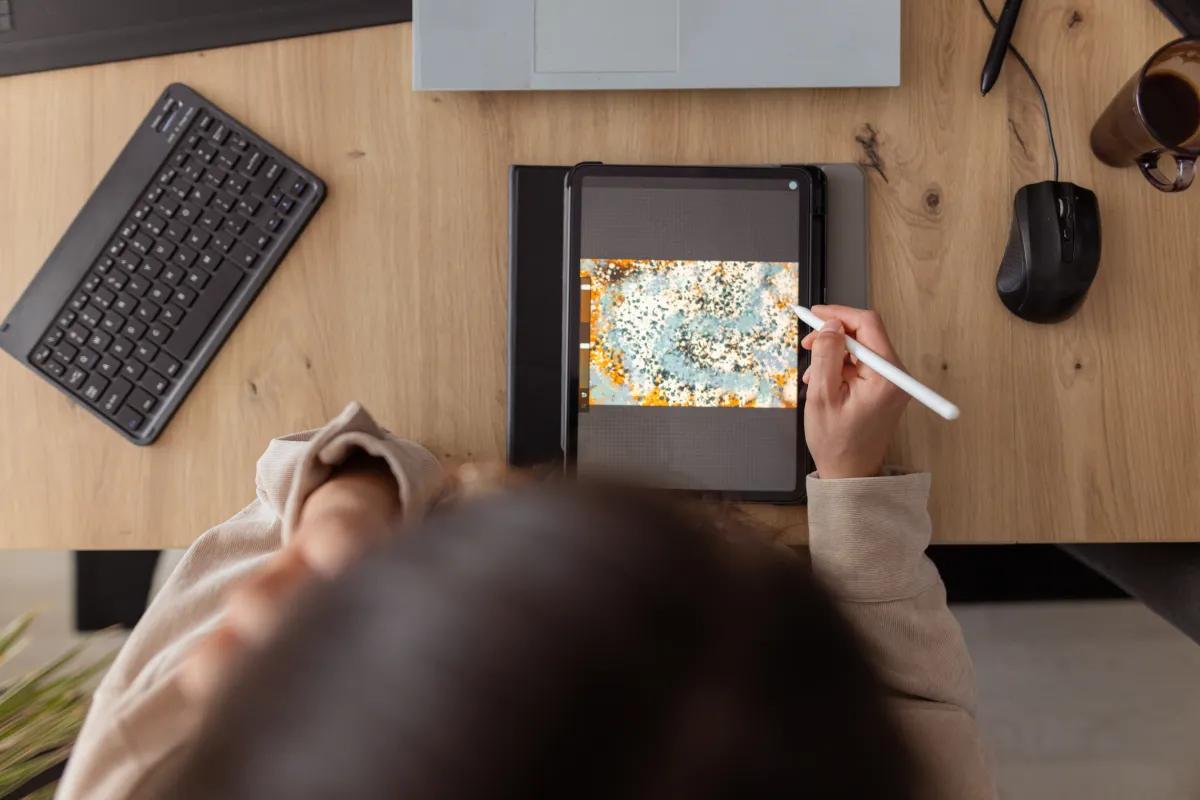

The iPad has evolved from a simple content consumption device into a powerful creative tool, and a thriving ecosystem of iPad apps caters to artists, designers, and video editors. While Adobe’s offerings are well-established, numerous other compelling applications provide unique features and workflows for digital creation. This article explores some of the best iPad apps for creativity, offering alternatives and specialized tools for those looking to unleash their artistic potential.
From sketching and painting to video editing and graphic design, the App Store boasts a diverse range of options. These apps leverage the iPad’s touchscreen and Apple Pencil support to provide an intuitive and engaging creative experience. Many offer advanced features previously only available in desktop software, enabling professional-quality work on the go.
Exploring the Best iPad Apps for Creativity
Several factors contribute to an app’s usefulness for creative pursuits, including its feature set, user interface, performance, and price point. The options below represent a selection that balances these considerations, focusing on apps that offer unique capabilities or excellent value.
Procreate: A Digital Painting Powerhouse
Procreate has become a favorite among digital artists thanks to its robust features and intuitive design. The app allows users to create stunning digital paintings, sketches, and illustrations utilizing a wide array of customizable brushes. Its user-friendly interface and built-in gesture controls streamline the creative process, making it accessible to both beginners and professionals.
Procreate supports high-resolution canvases, up to 16K by 8K on compatible iPad Pro models, allowing for detailed work. Beyond static images, it facilitates the creation of storyboards, GIFs, and simple animations. File compatibility is strong, with support for JPG, PNG, and TIFF formats. Features like QuickShape, StreamLine, and ColorDrop further enhance the creative workflow. The “Replay” feature lets you relive and share the creation process as a time-lapse video.
Procreate is available as a one-time purchase for $12.99.
LumaFusion: Professional Video Editing on the Go
For video editors seeking a powerful and versatile tool, LumaFusion stands out. It allows users to edit videos with professional-grade features, surpassing the capabilities of iMovie. This app is well suited for aspiring filmmakers or anyone needing robust video editing on a mobile device.
LumaFusion supports multi-track editing with 4K ProRes and HDR media. Users can add effects, transitions, and voice-overs with precision. The app’s multilayer title creation tools, coupled with font and graphic import functionality, enable sophisticated visual storytelling. Precise audio control, including Graphic EQ and voice isolation, are key features. The ability to edit in various aspect ratios – from standard 16:9 to cinematic anamorphic – provides flexibility for different projects.
LumaFusion is available for a one-time payment of $29.99, with additional features like multicam editing available for purchase.
Canva: Design Simplified
Canva has emerged as a popular choice for users who need to create visual content quickly and easily, even without prior graphic design experience. The app provides a vast library of over 250,000 templates for presentations, social media posts, videos, and more. Canva’s drag-and-drop interface and pre-designed elements empower users to produce professional-looking graphics with minimal effort.
Key features include photo editing tools, logo and image personalization, audio integration, and video cropping/speed controls. Canva also incorporates artificial intelligence (AI) features, such as “Magic Switch” and “Magic Media,” to streamline tasks like image extension and visual concept generation. While Canva offers a free tier, a $12.99 monthly subscription unlocks unlimited access to AI features, premium templates, and additional tools.
Affinity Designer 2: Vector Graphics Expertise
Affinity Designer 2 is a sophisticated graphic design app that combines vector and raster capabilities into a single platform. This makes it an ideal choice for illustrators, web designers, and game developers who require precise control over their designs. It offers a powerful alternative to industry-standard software like Adobe Illustrator.
The app allows for the creation of logos, icons, UI/UX designs, and detailed illustrations. Apple Pencil support – including pressure sensitivity and tilt functionality – enhances the artistic experience. Customizable keyboard shortcuts and gesture controls improve workflow efficiency. Notably, Affinity Designer 2’s precision is bolstered by its ability to zoom to over 1,000,000%.
Affinity Designer 2 is available for a one-time payment of $18.49.
Dudel Draw: Daily Creative Inspiration
Dudel Draw offers a novel approach to encouraging creativity; each day, the app presents users with a unique shape to serve as a starting point for a drawing. This daily challenge promotes experimentation and helps overcome creative block. The app’s interface is uncluttered, focusing attention on the drawing process.
Features include flip and rotate tools for viewing the shape from different angles and a social component for sharing creations and comparing results. Dudel Draw is free to download, with optional premium features available through a subscription.
Sketchbook: The Digital Sketchpad Experience
Sketchbook is designed to mimic the feel of traditional sketching and painting. Its realistic brush engine and intuitive interface provide a natural drawing experience. It’s a valued tool for artists who prefer a tactile approach to digital art and for quick concept sketching.
The app offers customizable brushes, layered editing, and features like predictive stroke for smooth lines. A streamlined interface minimizes distractions, allowing users to focus on their creative work. Basic functionality is free, while a one-time payment of $2.99 unlocks premium features such as increased canvas size, advanced brush settings, and enhanced export options.
The ongoing development of these iPad apps, alongside advancements in iPad hardware, will continue to push the boundaries of mobile creativity. Future updates are anticipated to bring even more sophisticated AI integration and improved performance. Watching for announcements from Apple regarding iPad Pro updates and further app integrations remains essential for creatives leveraging this technology.