






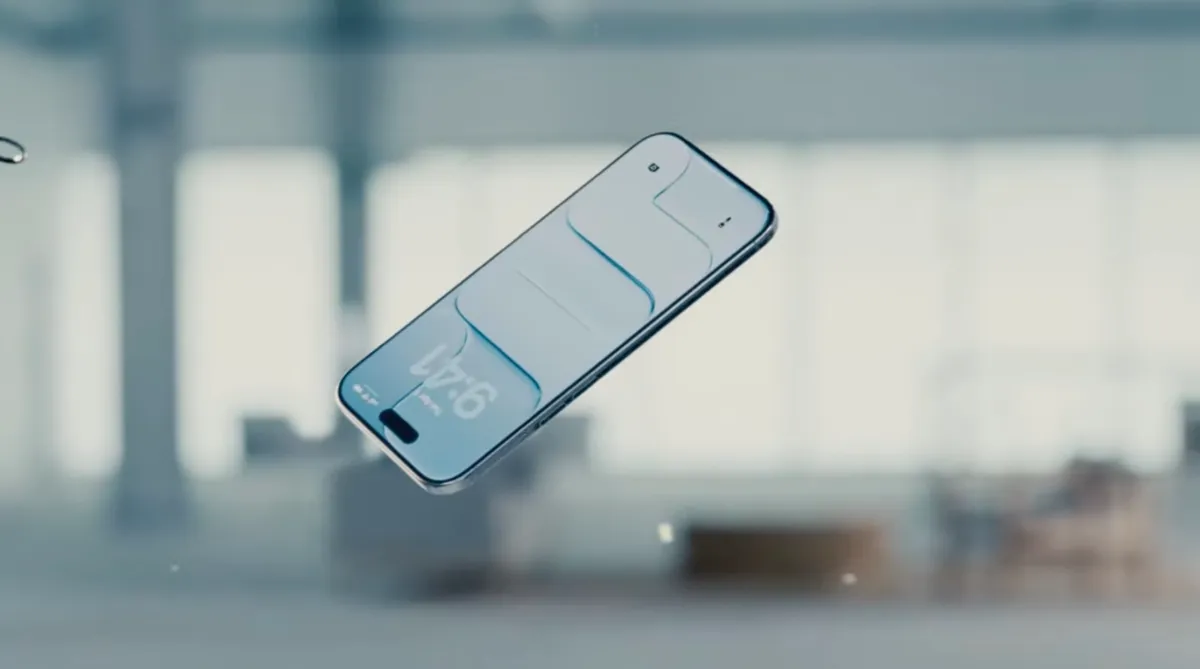

Apple has released iOS 26.2, an update that further refines the controversial Liquid Glass design introduced with iOS 26. The latest iteration adds a slider allowing users to adjust the transparency of the Lock Screen clock, building on a previous tool that offered broader opacity controls. This move signals Apple’s responsiveness to user feedback regarding the readability of the new interface.
Addressing User Concerns with Liquid Glass Transparency
Launched last year, Liquid Glass aimed to modernize Apple’s operating systems with a semi-transparent, light-refracting aesthetic. While some users welcomed the change, many reported difficulty reading notifications, app names, and other key interface elements due to the reduced contrast. The initial response prompted Apple to release iOS 26.1, which included a system-wide slider to reduce the overall opacity of Liquid Glass effects.
This new update takes a more granular approach, allowing users to customize the “glassiness” of the Lock Screen clock specifically. The adjustment doesn’t affect other Liquid Glass elements, offering a tailored solution for a common complaint. According to reports, the change demonstrates Apple’s willingness to iterate on the design based on real-world usage.
A Shift in Design Leadership
The timing of these adjustments coincides with a change in Apple’s design leadership. Alan Dye, the executive responsible for the Liquid Glass overhaul, recently departed for Meta. He has been replaced by Stephen Lemay, a long-time Apple designer with a strong background in interface and interaction design.
While Apple has not directly linked Dye’s departure to the design changes, some observers suggest Lemay’s expertise is particularly well-suited to addressing usability concerns with the new aesthetic. The transition in leadership may indicate a broader re-evaluation of the Liquid Glass implementation.
Beyond Liquid Glass: Other iOS 26.2 Features
The iOS 26.2 update includes several features beyond the Liquid Glass adjustments. A notable addition is the ability to create AirDrop codes, enabling file sharing with individuals not in your contacts. This feature provides a more secure and convenient way to share content with colleagues or acquaintances.
Additionally, the Reminders app now supports alarms, enhancing its functionality as a task management tool. Apple News received a navigation update with a new “Following” tab, and Apple Music now offers offline lyrics access. The Podcasts app has been significantly updated with AI-generated chapter markers and a “Podcast Mention” feature for cross-promotion.
Apple Watch users also benefit from the update, gaining access to a Sleep Score based on sleep duration and goal completion. This metric aims to provide users with a more comprehensive understanding of their sleep quality.
Critical Security Updates Included
Alongside the new features, iOS 26.2 delivers crucial security updates across the Apple ecosystem. These patches address vulnerabilities that were reportedly being exploited in an active hacking campaign, protecting users from potential security breaches. Apple routinely releases security updates to safeguard its devices and data.
The update is available for iPhones, iPads, Macs, Apple TVs, and Apple Watches. Users are strongly encouraged to install the update as soon as possible to benefit from the latest security protections.
Looking Ahead for Apple’s Design Language
Apple’s continued adjustments to Liquid Glass suggest the company is carefully monitoring user reception and is prepared to refine the design further. It remains unclear whether Apple will introduce more widespread customization options or revert to a less transparent aesthetic. The success of these incremental changes will likely influence future design decisions.
The focus on usability under new design leadership is a key development to watch. Future iOS updates and potential integration with augmented reality devices, like smart glasses, will likely reveal Apple’s long-term vision for its interface design. The next major operating system release, expected in the fall, will be a critical indicator of the direction Apple is taking with its visual language.